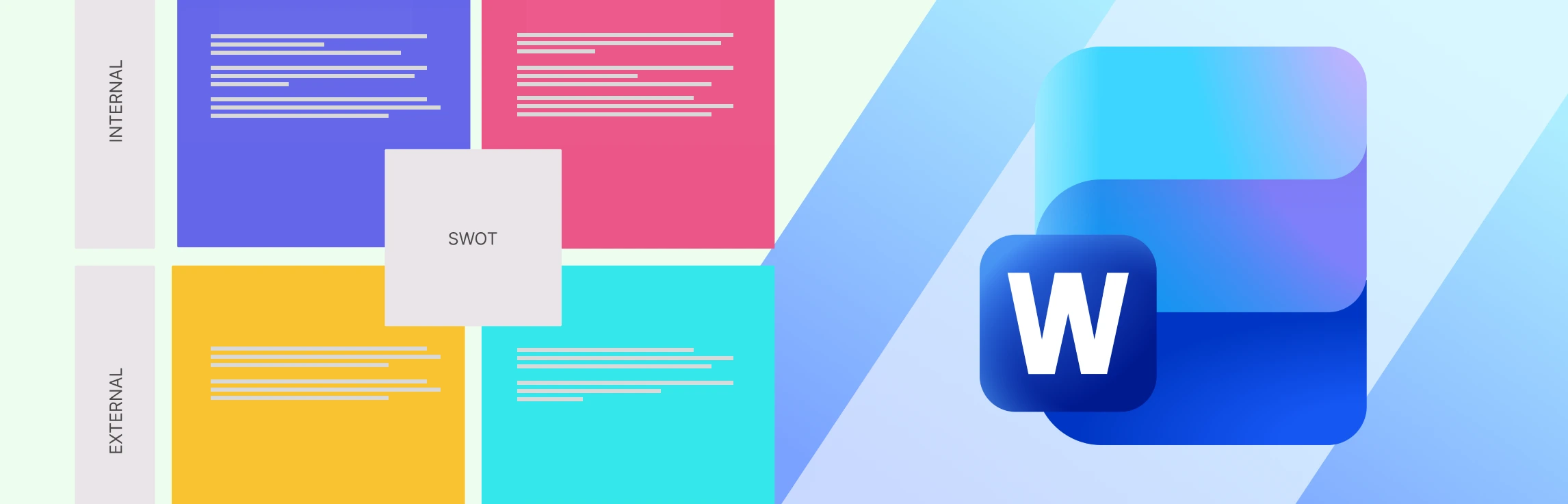
If you’ve ever tried creating a SWOT analysis in Word, you’ve probably felt the friction from tables that won’t align, to layouts that break as you edit, and versions that quickly get out of sync. In this guide, you’ll learn detailed steps of how to create a SWOT analysis in Word, and where Word starts to fall short for strategic work. We’ll also explore better alternatives when you need more flexibility and collaboration, along with free SWOT templates to help you move faster and plan with confidence.
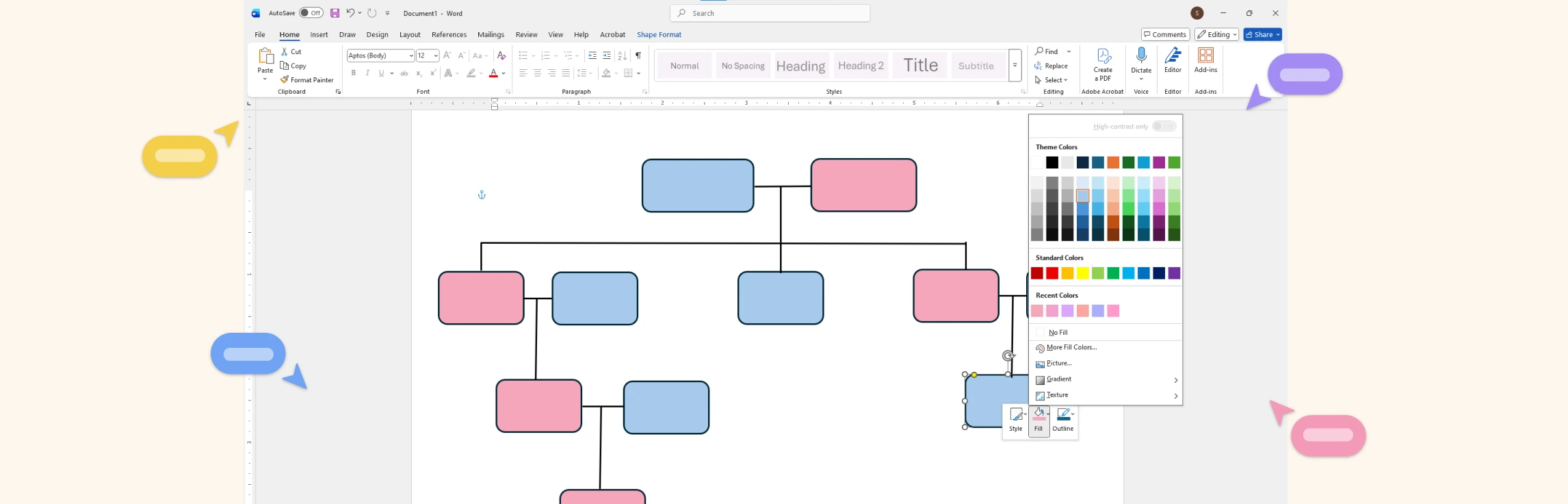
If you’re trying to figure out how to draw a family tree on Word, this guide will walk you through it in a simple, beginner-friendly way. You’ll first learn the steps of how to build a family tree in Word, then understand what Word can and can’t do, and finally, discover a much easier alternative for creating clearer, more flexible family trees. We’ll also compare this alternative with Microsoft Word and share ready-to-use templates so you can start building your family tree right away.
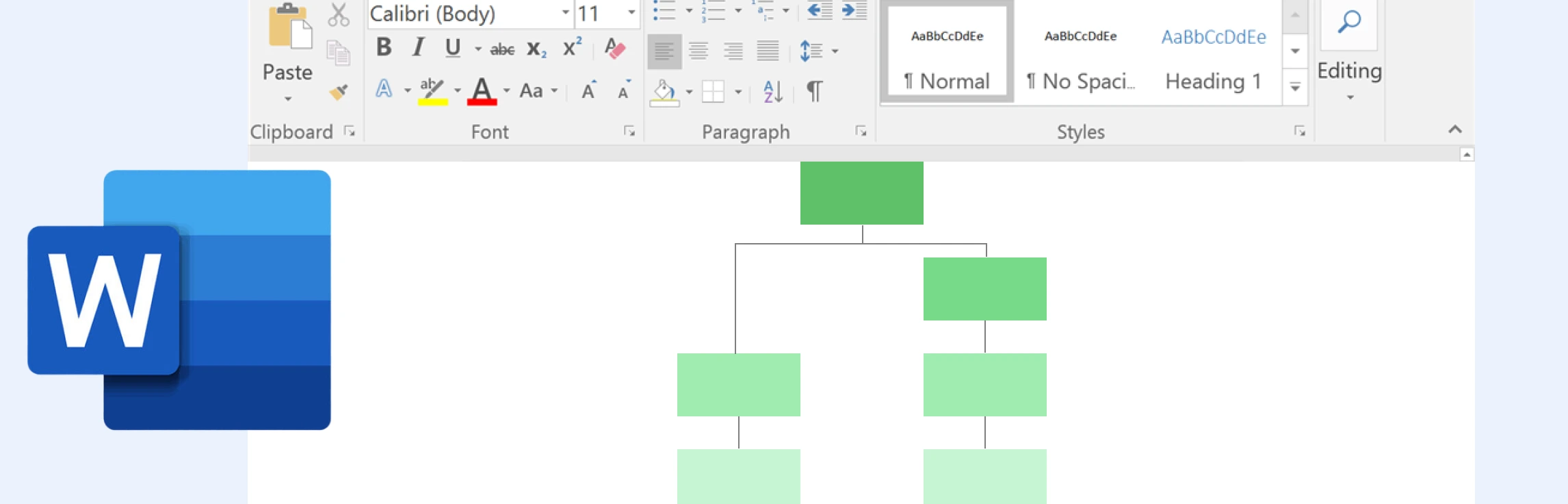
If you want to learn how to do a process map in Word, then this is the guide for you. We cover step-by-step instructions, an understanding of the limitations of Microsoft Word, an alternative for making process maps, and a features comparison to help you choose the best option.
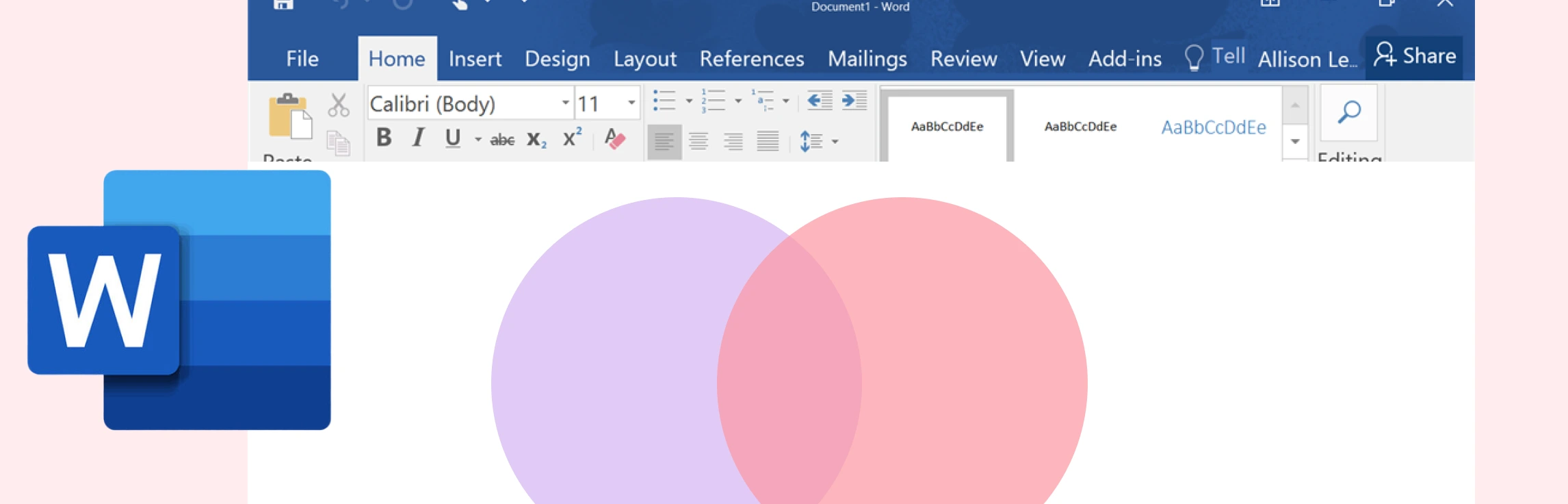
If you’ve been wondering how to draw a Venn diagram in Word, then this guide is for you. Keep reading to discover what a Venn diagram is, step-by-step instructions on how to add a Venn diagram in Word, and understand its limitations. This also covers a better alternative and a comparison between the two methods.
What is a Timeline in Microsoft Word? A timeline in Microsoft Word is a visual graphic created using the SmartArt feature to display events or milestones in chronological order. It helps illustrate project phases, progress, or historical sequences directly within a Word document. By selecting a timeline layout under Process SmartArt, you can design horizontal or vertical timelines and customize them with dates, descriptions, and colors for professional-looking visuals. While this method works well for simple timelines, it quickly becomes limiting when managing multiple events, maintaining alignment, or collaborating with others.